
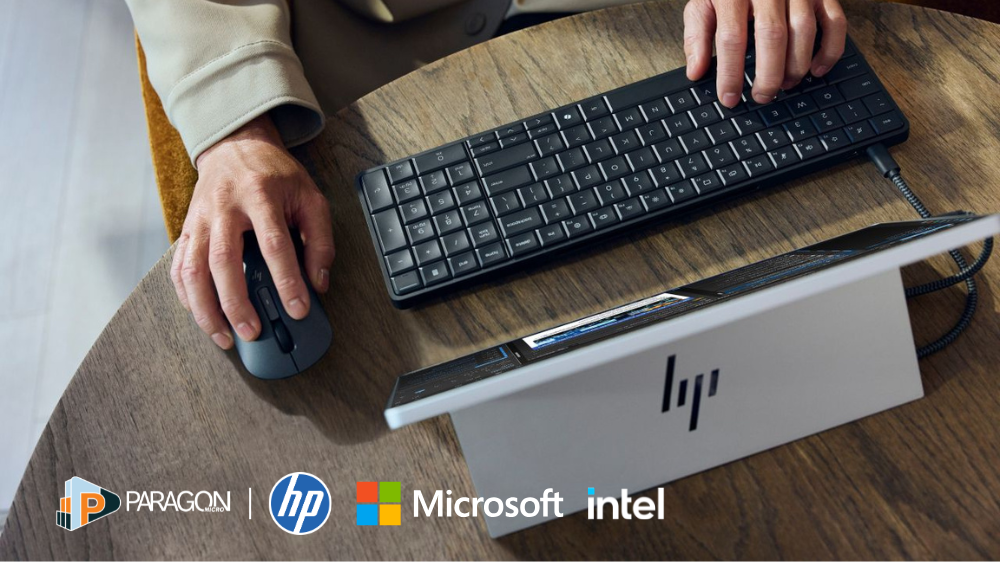
A Practical Path to Secure, Modern Work with HP, Intel, and Microsoft
As organizations continue planning for Windows 10 end-of-support, many IT leaders are evaluating how well their current device environments support the next phase of secure, modern work.
Windows 11 represents more than an operating system upgrade. It introduces stronger security architecture, modern management capabilities, and performance improvements designed for today’s hybrid workforce. As these capabilities become standard, organizations are reassessing whether their existing hardware and endpoint strategy can fully support them.
Modernization in this context is not just about deploying a new OS. Device performance, processor architecture, hardware-based security, and lifecycle planning all influence how successfully Windows 11 can be adopted across the organization.
Without the right foundation, even the most advanced platform can introduce unnecessary friction for both users and IT teams.
At Paragon Micro, these conversations often begin by helping organizations step back and evaluate how their endpoint environment is expected to support broader business and IT priorities, before making technology decisions that shape long-term outcomes.
As a full-service IT solutions integrator, Paragon Micro works with IT teams to evaluate and translate those objectives into practical deployment strategies built around trusted technologies such as HP devices powered by Intel processors and integrated with Microsoft solutions.
Why Windows 11 Isn’t Just an Upgrade
Many organizations approach Windows 11 as a straightforward upgrade, focused on timelines, compatibility, and deployment logistics.
But in practice, the challenges rarely come from the operating system itself. Friction tends to emerge when the underlying device environment isn’t aligned with the demands of modern work.
This shows up in a few common ways:
- Devices that meet minimum requirements but struggle under real-world workloads
- Security features that are available in theory but limited by hardware constraints
- Management tools that add complexity instead of simplifying operations
Windows 11 was designed to work as part of a broader ecosystem. One where hardware, security, identity, and management tools are tightly integrated. When one layer falls behind, the value of the entire platform is reduced.
To address this, organizations should take a more comprehensive approach to endpoint strategy before moving forward with large-scale deployments.
At Paragon Micro, we often see that successful Windows 11 initiatives start with a deeper evaluation of the environment, not just whether devices are compatible, but whether they can fully support the performance, security, and management expectations of modern work.
Shifting the focus from “Can we upgrade?” to “Are we building the right foundation?” helps organizations move beyond short-term fixes and create a more sustainable, long-term approach to modernization.
HP and Intel: Supporting Windows 11 Performance and Security
The success of a Windows 11 deployment depends heavily on the hardware platform supporting it.
HP’s commercial device portfolio, combined with Intel’s processor technologies, provides the performance, reliability, and enterprise features required for modern endpoint environments.
These devices are designed to support demanding workloads while maintaining system stability and efficiency.
For end users, that translates into responsive devices capable of handling multitasking workflows, real-time collaboration tools, and resource-intensive applications without disruption. For IT teams, it provides a consistent, scalable platform that simplifies deployment and long-term management.
Intel’s hardware-based security features strengthen endpoint protection, helping organizations align with zero-trust principles from the device up.
Microsoft Windows 11: A Unified Platform for Security and Management
With the right hardware foundation in place, Microsoft provides the integration layer that connects devices, users, and policies.
Windows 11 is designed to align with zero-trust security models and cloud-first management strategies. It integrates with Microsoft’s ecosystem to create a unified approach to endpoint security, identity, and device management.
Organizations can leverage:
- Microsoft Defender for endpoint protection and threat detection
- Microsoft Endpoint Manager for centralized control and policy enforcement
- Identity-based access controls that protect users and data across environments
This alignment reduces complexity. Instead of managing disconnected tools, IT teams gain a cohesive platform that improves visibility, strengthens security, and simplifies operations.
Organizations working with Paragon Micro often take this opportunity to align their Microsoft ecosystem more holistically, ensuring security, device management, and identity strategies are working together rather than operating in silos.
Modernization Starts with Outcomes, Not Just Upgrades
At Paragon Micro, Windows 11 conversations don’t start with the operating system. They start with what IT leadership is trying to accomplish.
For some organizations, the priority is strengthening endpoint security in response to an evolving threat landscape. Others are focused on improving device performance to support more demanding workloads, or simplifying endpoint management across distributed teams.
A Windows 11 refresh becomes meaningful when it is aligned to those outcomes.
Security threats are more sophisticated. Work is more distributed. IT teams are managing more endpoints with fewer resources. Modernization is about strengthening the foundation so the business can move forward with confidence—not just completing an upgrade cycle.
When approached strategically, Windows 11 modernization supports three critical outcomes: stronger security, simplified management, and a better employee experience.
Our role is to help translate those priorities into a practical, scalable deployment strategy built around trusted technologies, including HP devices powered by Intel and Microsoft’s Windows 11 ecosystem.
Why the Right Partner Matters in Windows 11 Modernization
Technology decisions rarely happen in isolation. Device refreshes, security initiatives, and infrastructure updates are often part of a broader roadmap that evolves over time.
Paragon Micro’s approach is designed to support that long-term perspective.
Our team works alongside IT organizations to design complete solutions that align with operational goals, not just immediate requirements. Each engagement is supported by a dedicated Account Executive who remains involved from initial planning through deployment and beyond.
When additional expertise is needed, engineers and specialists are brought in to help move initiatives forward with practical, real-world experience.
This model provides continuity, reduces friction in decision-making, and ensures modernization efforts remain aligned with business priorities.
Build Your Next Phase of Modern Work with Confidence
Windows 11 modernization is an opportunity to strengthen your organization’s foundation for security, performance, and long-term efficiency.
The combination of HP devices, Intel processors, and Microsoft Windows 11 provides a powerful platform for organizations evolving their endpoint environments. When paired with the right strategy and support, that platform can simplify management, improve user experience, and reduce risk across the enterprise.
Paragon Micro helps IT teams translate these capabilities into practical outcomes.
Bring us your current environment. Bring us your modernization goals. Bring us the challenges slowing your team down.
We will help you build a clear, scalable path forward, grounded in the way your organization actually works.